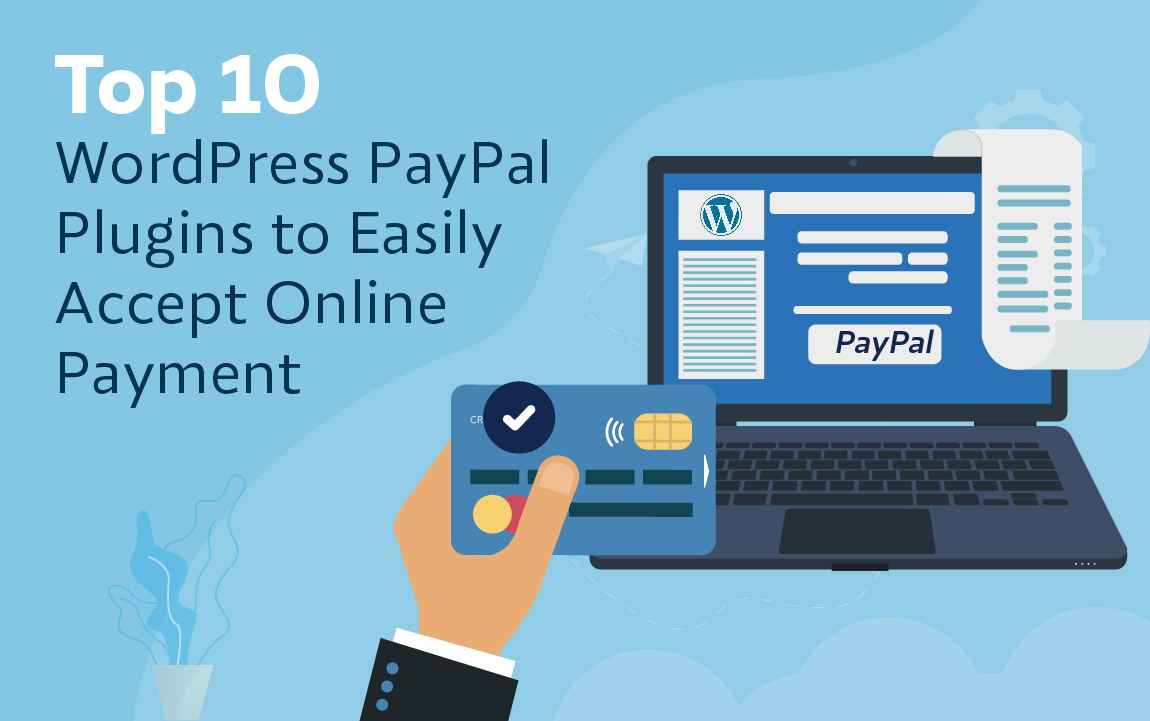
No one can deny the fact that online shopping has very much become a part of our daily lives. What makes this possible is the availability of several payment gateways such as PayPal and Stripe that make it easy to collect payment right from the website. It only takes minutes from the consumer’s end and for setting up a Paypal account.
Immediately after choosing a product or selecting a service, the customer is taken to the checkout page to choose payment options. Multiple online stores accept Paypal payments.
Today, lots of web development companies are shifting towards WordPress PayPal Plugins. So let’s take a closer look at these WordPress PayPal plugins for online payments, which will clearly define how to set up a Paypal account?
| Plugin | Free Version? | Best For | Checkout Type | Active Installs | Rating |
|---|---|---|---|---|---|
| WooCommerce PayPal Payments | Yes | Official WooCommerce stores | On-site & Redirect | 1,000,000+ | 2.8 / 5 |
| WP Simple Shopping Cart | Yes | Lightweight product sales | Redirect | 30,000+ | 4.3 / 5 |
| Easy Digital Downloads | Yes (Core) | eBooks, software & digital assets | On-site & Redirect | 50,000+ | 4.7 / 5 |
| WPForms (PayPal Addon) | Paid Plan | Custom forms, quotes & bookings | On-site & Redirect | 5,000,000+ (Core) | 4.8 / 5 |
| GiveWP | Yes | Non-profit donations & fundraising | On-site & Redirect | 100,000+ | 4.6 / 5 |
| Payment Plugins for PayPal WooCommerce | Yes | High-rated WooCommerce alternative | On-site | 20,000+ | 4.8 / 5 |
| Contact Form 7 PayPal Add-on | Yes | Adding quick payments to CF7 forms | Redirect | 7,000+ | 4.5 / 5 |
| MemberPress | Premium Only | Subscriptions, paywalls & courses | On-site & Redirect | 300,000+ | 4.8 / 5 |
| SureCart | Yes (Core) | Modern, fast checkout alternative | On-site | 80,000+ | 4.8 / 5 |
Detailed Breakdown of Top PayPal Plugins
1. WooCommerce PayPal Payments (Official)
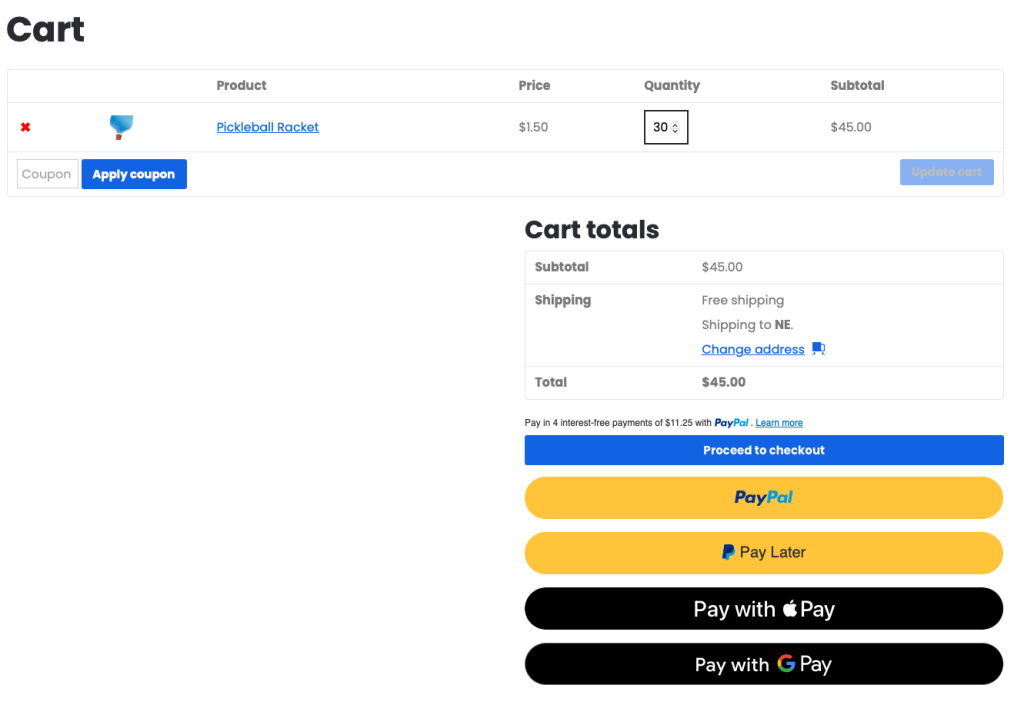
Developed directly by WooCommerce, this official extension connects your online store to the PayPal Complete Payments suite. It supports standard PayPal payments, Pay Later options, Venmo, and direct credit card processing on your site without redirecting buyers. While it provides full feature parity with modern PayPal APIs, initial setup and gateway authentication can require troubleshooting for complex configurations.
Active Installs: 1,000,000+
Winning Use Case: Full-scale WooCommerce stores that need official end-to-end PayPal integration and Pay Later functionality.
2. WP Simple Shopping Cart
WP Simple Shopping Cart turns any page or post into an online store by inserting shortcodes for “Add to Cart” buttons and a minimal shopping cart widget. It handles physical goods, digital downloads, and basic shipping rules without adding heavy site overhead. It is an excellent choice for blogs or service websites that only need to sell a handful of items.
Active Installs: 30,000+
Winning Use Case: Lightweight physical or digital product sales on standard blogs without setting up an e-commerce platform.
3. Easy Digital Downloads (EDD)
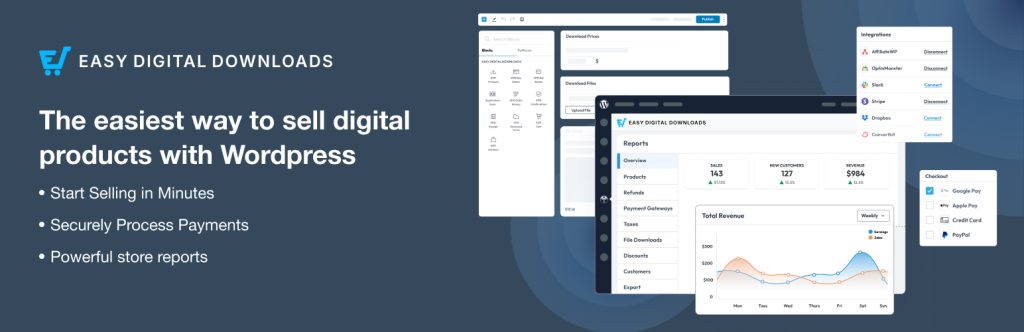
Easy Digital Downloads is a purpose-built e-commerce engine designed specifically for selling downloadable products, software licenses, and digital access. Its core PayPal integration processes transactions cleanly, while its reporting suite lets you track revenue, customer history, and download activity.
Active Installs: 50,000+
Winning Use Case: Creators and developers selling digital downloads, software licenses, or digital subscriptions.
4. WPForms (PayPal Addon)
WPForms allows site owners to build custom order forms, booking requests, or event registration forms using a drag-and-drop builder. With its PayPal Commerce integration, you can accept payments directly inside any form, enabling instant calculation of totals and custom user input.
Active Installs: 5,000,000+ (Core plugin)
Winning Use Case: Custom lead forms, service booking payments, and tailored order forms requiring flexible form fields.
5. GiveWP
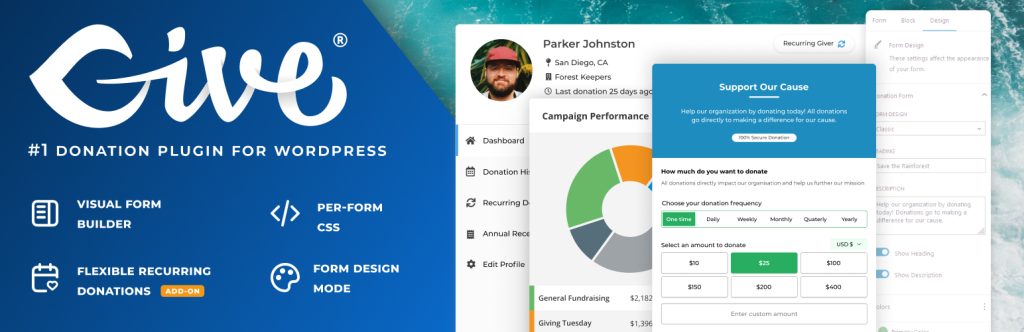
GiveWP is the leading donation platform for WordPress, enabling non-profits and creators to deploy custom fundraising campaigns. It provides customizable donation forms, goal tracking bars, donor dashboards, and automated PDF tax receipts directly through PayPal.
Active Installs: 100,000+
Winning Use Case: Non-profit fundraising, charitable foundations, and goal-driven donor campaigns.
6. Payment Plugins for PayPal WooCommerce
Created by Payment Plugins (AngellEYE), this alternative gateway for WooCommerce offers high ratings and responsive support. It integrates PayPal smart buttons, credit card processing, and Pay Later options cleanly into your WooCommerce cart and checkout pages with fast initialization.
Active Installs: 20,000+
Winning Use Case: WooCommerce store owners looking for a highly rated, lightweight alternative to the official PayPal plugin.
7. Contact Form 7 PayPal & Stripe Add-on
This add-on connects Contact Form 7 forms directly to PayPal payment processing. When a visitor submits a contact form on your site, the plugin automatically routes them to PayPal to complete payment before finalizing the entry.
Active Installs: 7,000+
Winning Use Case: Sites already running Contact Form 7 that need a quick, no-nonsense payment collection step on form submissions.
8. MemberPress
MemberPress is a complete WordPress membership solution that automates recurring subscription payments through PayPal. It allows you to lock premium content, manage tiered access, and build online courses while handling auto-renewals behind the scenes.
Active Installs: 300,000+
Winning Use Case: Membership websites, paywalled content platforms, and recurring subscription communities.
9. SureCart
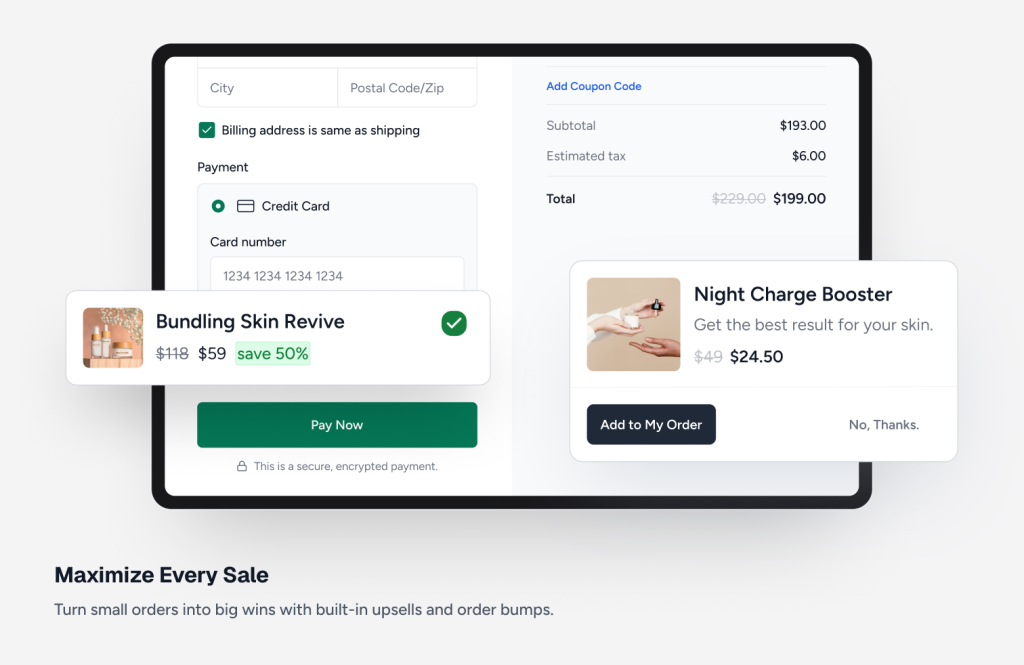
SureCart is a modern e-commerce platform built with a lightweight, headless architecture that prevents your WordPress database from swelling. It features a slick slide-out checkout drawer with full PayPal support, dynamic order bumps, and built-in subscription management.
Active Installs: 80,000+
Winning Use Case: High-performance online stores wanting a fast, modern checkout flow with built-in subscription tools without WooCommerce overhead.
How to Add PayPal to WordPress Without a Plugin
If you only need to collect occasional payments or sell a single product, you do not need to install an extra plugin. You can generate an official HTML payment button directly inside your PayPal Business account and embed it into WordPress.
Step-by-Step Embed Instructions:
Log in to PayPal: Go to your PayPal Business Account Dashboard and navigate to Pay & Get Paid > PayPal Buttons.
Choose Button Type: Select your preferred button layout (such as Buy Now, Donate, or Smart Payment Buttons).
Configure Options: Enter your product name, fixed price, currency, and optional redirect URLs (for successful checkout or cancellation).
Copy Code: Click Save and Get Code, then select and copy the generated HTML / JavaScript snippet.
Embed in WordPress: Open the WordPress Page or Post editor, add a Custom HTML block, paste the code directly inside, and click Publish.
This method ensures zero site performance impact and zero plugin maintenance overhead while remaining fully secure.
PayPal vs Stripe for WordPress
PayPal remains the most globally recognized digital wallet brand, offering consumers immediate trust and familiar payment methods like account balances, Pay Later installment plans, and localized payment options. Because customers can pay without re-entering credit card numbers, adding PayPal consistently boosts checkout conversion rates among mobile shoppers and international buyers.
Stripe, by contrast, excels in developer flexibility, custom on-site checkout flows, and seamlessly integrated credit card processing. It provides clean developer APIs, robust recurring billing primitives, and lower friction for customers who prefer entering their credit card details directly into your checkout fields without leaving your domain.
For most WordPress websites, using PayPal and Stripe together yields the highest total conversion rates. Stripe handles frictionless credit card payments, while PayPal catches buyers who prefer express wallet checkout. If you want to integrate customized payment setups or recurring billing engines via custom code, check out our Stripe API Integration Services to build custom payment workflows tailored to your store.